
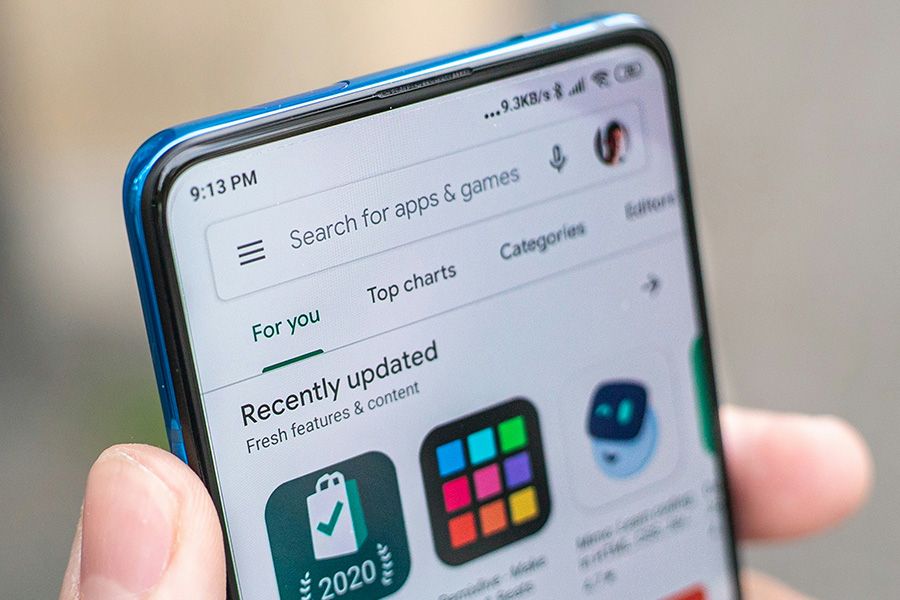
You may have recently received an email from Google requiring you to declare your Trader Status before February 1st 2027 in order to continue to distribute your app(s). Apple had a similar request a few years ago and Google is now following suit.
In general, if you don’t distribute apps in the EEA or UK, you can declare as a non-trader; otherwise, we recommend you read the following article to determine what your status should be.
To make your declaration, the process is very simple:
- Navigate to https://play.google.com/console/u/0/developers
- Sign in with your account.
- At the top, you should see “Declare your trade status by February 2027”
- Click Get Started
- Click Declare Status
- Select Your Status
- Click Next
- Click “I consent to Google showing this information on Google Play as part of my public developer profile.”
- Click Save
- Click Confirm
That is it.
Note for Info Grove Customers
Unfortunately 14 Oranges is unable to declare the trader status on your behalf. This process must be completed by the owner of the account.
Should you have any further questions, feel free to contact us.
Photo by Mika Baumeister on Unsplash
Declaring Your Trader Status On Google Play
Share This Article